
Registration, Login and Verification Process at 2UP
2UP registration takes under two minutes, and you only need a phone number or email address to start. Once you register, you get access to sports betting markets such as cricket and football, alongside casino slots and live dealer tables. Verification confirms your identity, protects your funds, and clears the way for withdrawals through mobile wallets such as bKash, Nagad, or Rocket, where supported. New players can claim a package of up to 200% match up to 2000 USD, plus up to 500 Free Spins, after their first deposit. Click the button below to complete your registration today.
200% Match Bonus
Up to $2000 + 500 Free Spins
2UP Sign Up Instructions
You register online with 2UP in five steps, all completed on this website. Have your phone number or email ready before you start.
Open the registration form
Click the “Sign up” button on this page to open the registration form.
Pick your registration method
Choose phone number, email address, or a linked social account.
Enter your personal details
Provide your phone number or email, set a password, and confirm BDT as your currency.
Verify with a temporary code
Enter the code sent by SMS or email to confirm your new account.
Add your first deposit
Fund your account through bKash, Nagad, Rocket, or Upay to activate your welcome offer.
Registration via the 2UP Mobile App
The 2UP mobile app uses the same registration form as the website, and you complete every step without opening a browser.
Download the App
Download and open the app on your Android or iOS device.
Tap Register
Tap “Register” on the app home screen.
Choose Registration Method
Choose phone number, email, or social login to create your account.
Verify Your Code
Enter the temporary code sent to confirm your number or email.
Make Your First Deposit
Deposit through bKash, Nagad, or Rocket directly inside the app to activate your bonus.
2UP Registration Requirements
Registration follows standard eligibility rules common across licensed operators serving Bangladesh. You must meet the minimum age requirement and hold one account only. Document verification confirms your identity before your first withdrawal. Players in restricted territories cannot register, and the current list sits on the 2UP terms and conditions page.
Minimum Age
You must be at least 18 years old, or the legal gambling age in your jurisdiction, to register.
One Account per Person
A single account is allowed per player, per household, and per payment method.
Accurate Personal Details
Your name, date of birth, and contact information must match your identification documents.
Document Verification
Government issued identification is required before your first withdrawal request.
Restricted Territories
Players registering from excluded countries or regions cannot complete sign up. Check the terms page for the current list.
Potential Issues when Registering a 2UP Account
Most registration problems get resolved within minutes. Here are the most common issues players report, and how to fix them.
Phone Number Already Registered
Use password recovery to access the existing account instead of creating a new one.
OTP Not Received
Check your signal, request a new code after 60 seconds, or switch from SMS to email verification.
Password Rejected
Combine at least 8 characters with one number and one uppercase letter.
Region Not Supported
Confirm your location matches an approved territory listed on the terms page.
Form Will Not Submit
Clear your browser cache, or contact 2UP support through live chat for a manual check.
2UP Account Verification Process
Account verification confirms your identity and secures your funds against unauthorized access. A verified account clears you for withdrawals without added delay. Players in Bangladesh complete this step once, and it stays valid for the life of the account.
Tip: Upload clear, uncropped photos of your documents in good light. Blurred or partial images are the top reason verification takes longer than expected.
Submit your details
Confirm your full name, date of birth, and address in your account settings.
Upload identification
Provide a government issued photo ID, such as a national ID card or passport.
Confirm your phone number
Complete the OTP verification linked to your registered mobile number.
Add a payment method
Link the bKash, Nagad, or Rocket account you plan to use for deposits and withdrawals.
Wait for review
2UP checks your documents and confirms your account status by email or SMS.
Login to 2UP Account
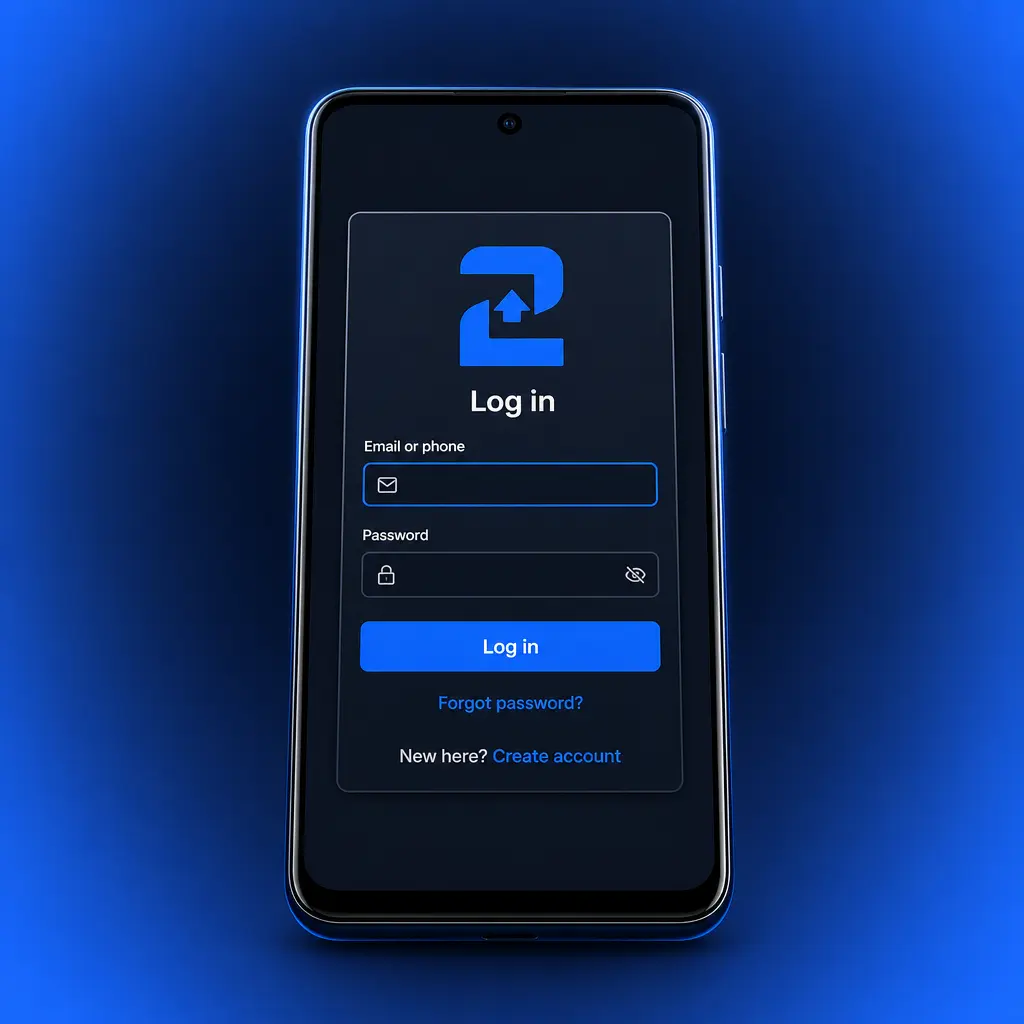
2UP account login takes seconds once your account is set up. Pick the method that matches how you registered, then sign in to your account.
Click “Login” at the top of this page.
Enter your registered phone number or email address, plus your password.
Confirm with an OTP if prompted, then access your account dashboard.
2UP Account Password Recovery
A forgotten password does not lock you out for long. Reset it directly through the login screen.
Click “Forgot password” on the login screen.
Enter the phone number or email linked to your account.
Enter the recovery code sent by SMS or email.
Set a new password with at least 8 characters, one number, and one uppercase letter.
Sign in with your new password to confirm the reset worked.
Keeping Your Account Secure
Your 2UP account stays secure with a few habits. Set a password that mixes letters, numbers, and symbols, and avoid reusing it on other sites. Turn on any additional verification step available in your account settings, if offered for your account type. Never share your login details with anyone, including people who claim to represent support. Log out fully after each session on shared or public devices. Review these options under Account Settings, in the Security section.
Welcome Bonus After Registering at 2UP
New players can claim a package of up to 200% match up to 2000 USD, split across your first deposits, plus up to 500 Free Spins on selected slots. The exact match rate, minimum deposit, and wagering requirement apply per the current promotion terms. Check the 2UP promotions page for the active offer before you deposit.
- Match bonus: up to 200% on your qualifying deposit, up to 2000 USD in total value.
- Free Spins: up to 500 Free Spins credited on selected slot titles.
- Minimum deposit and wagering requirement: confirm the current figures on the promotions page before you claim, since terms can change.
Learn How to Get a Welcome Bonus
You claim your welcome bonus in a few extra steps after registration. Complete them in order to receive the full package.
Register your account
Click the “Get a bonus” button below and complete your 2UP sign up.
Opt in to the offer
Tick the welcome bonus box during registration, or activate it from your account promotions tab.
Make your qualifying deposit
Add funds through bKash, Nagad, or Rocket to trigger the match bonus and Free Spins.
Meet the wagering requirement
Play through the bonus amount at the rate listed in the promotion terms before you withdraw winnings.
Delete your 2UP Account if Needed
Players close an account for many personal reasons, including a short break or a permanent decision to stop playing. Contact support to start the process, since account deletion cannot be completed from the settings menu alone.
Withdraw or Spend Your Balance
Withdraw or spend any remaining balance, since funds may be forfeited once the account closes.
Contact 2UP Support
Contact 2UP support through live chat or email to request account deletion.
Confirm Your Identity
Confirm your identity so support can verify the request comes from you.
Receive Confirmation
Receive confirmation once the closure is complete. Reversal after this point may not be possible, so confirm your decision before you submit the request.
Account Limits and Self-Exclusion
A full account closure is not the only option. Account settings typically include deposit and loss limits, session reminders, and a temporary time out for players who want a short break rather than a permanent exit. Self-exclusion blocks access for a longer period, if you need more distance from betting and gaming activity. These tools sit under Account Settings, in the Responsible Gambling section, when available on your account. Gambling should stay entertainment, never a way to recover losses or generate income. Independent support organizations are available if you need help beyond these account tools.
FAQ
How long does 2UP account verification take?
Verification usually completes within 24 hours once you submit clear documents, though processing time depends on document quality and volume.
What happens if my document gets rejected?
Resubmit a clearer photo or a different accepted document through your account settings. Contact support through live chat if the second attempt fails.
Why does my login fail?
Check for a typo in your phone number, email, or password. Reset your password if the issue continues, since repeated failed attempts may lock your account temporarily.
Can I claim the welcome bonus after my first deposit?
The welcome bonus typically applies only to your first qualifying deposit. Check the current promotion terms on the promotions page, since opting in after the fact may not be possible.
Can I register more than one 2UP account?
No. One account is allowed per player, per household, and per payment method. A second account may be closed and its balance forfeited.
What if I forget which phone number I registered with?
Contact support with your name and any transaction details you remember. Support can help locate your account for recovery.
Can I recover a deleted account?
Recovery after full deletion is not guaranteed. Contact support as soon as possible if you change your mind, since some accounts may only be recoverable within a limited window.
Which payment methods work for verification and deposits?
bKash, Nagad, and Rocket work for deposits in Bangladesh. Verification does not require a specific payment method, but linking one speeds up your first withdrawal.
Updated: